Follow these steps to create a visual recipe using PowerPoint. Remember that you can also create custom visual recipes using the online recipe creator.
1. Download the blank recipe template and open it in PowerPoint.
Save the blank .ppt recipe template to your computer and open the file on your computer.
2. Change the “Recipe Title” text to the title of your recipe.

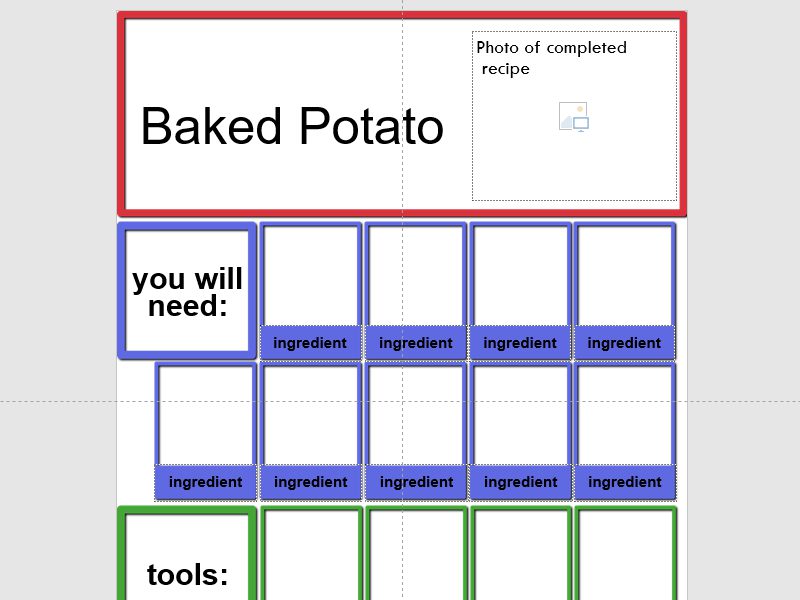
3. Add a photo of the completed recipe.
If you need to adjust the position or size of the photo, use the “crop” tool.
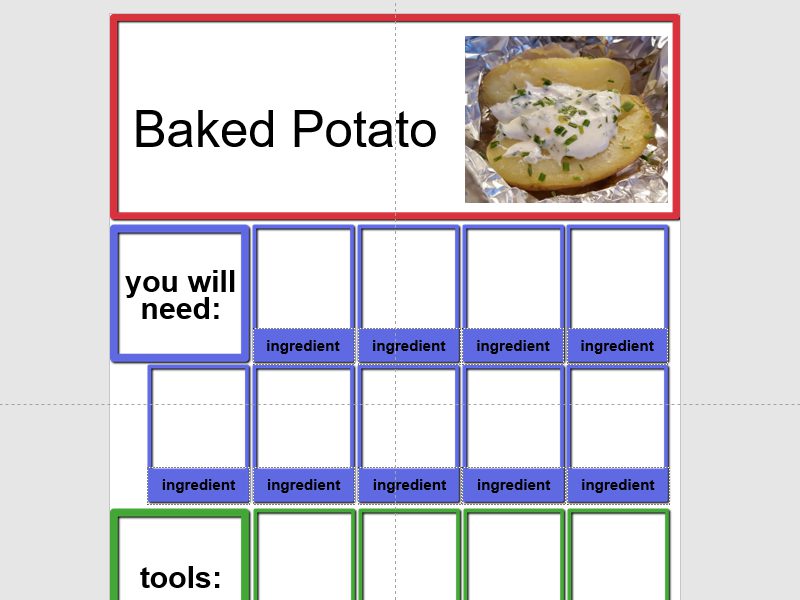
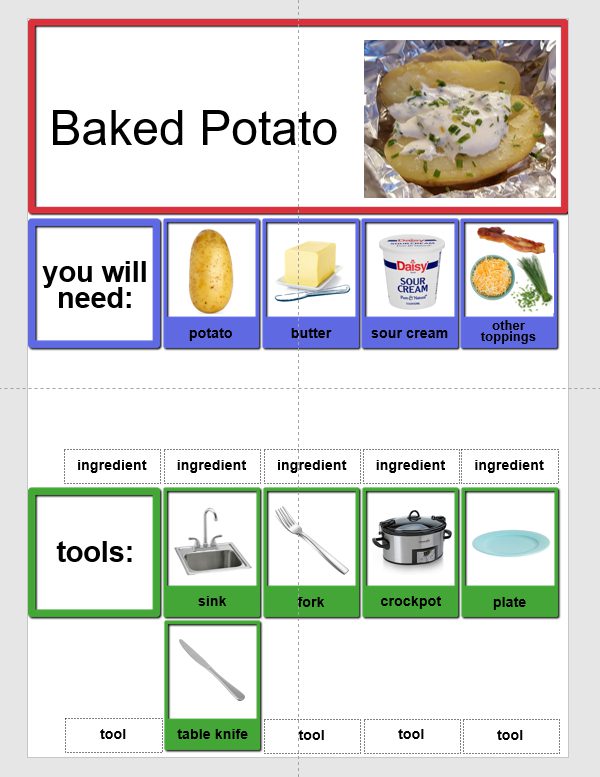
4. Add a photo of each ingredient.

5. Replace the “ingredient” text with the name of each ingredient.
Make sure to include how much of each ingredient to use, such as 1/2 tsp or 2/3 cup. Choose which slides to use based on how many ingredients and tools are in your recipe.

6. Delete the extra boxes that you don’t need.

7. Repeat steps #4 through #6 for the tools section.

8. Repeat steps #4 through #6 for the steps section.

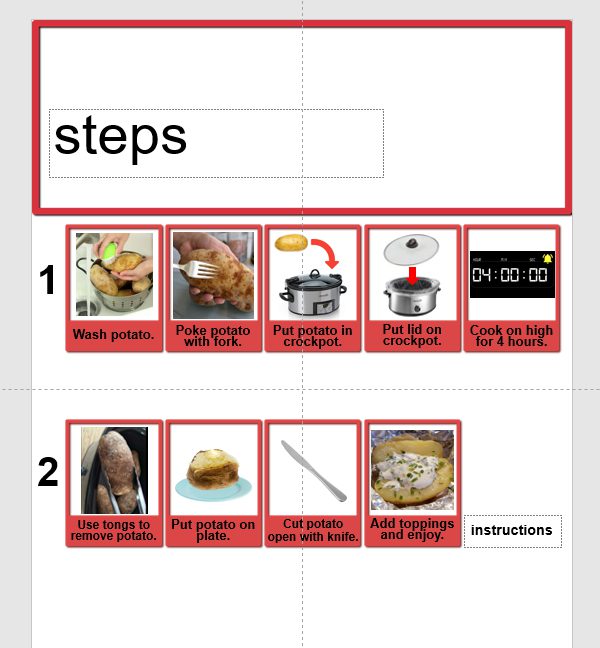
9. Delete any unused pages from the recipe.

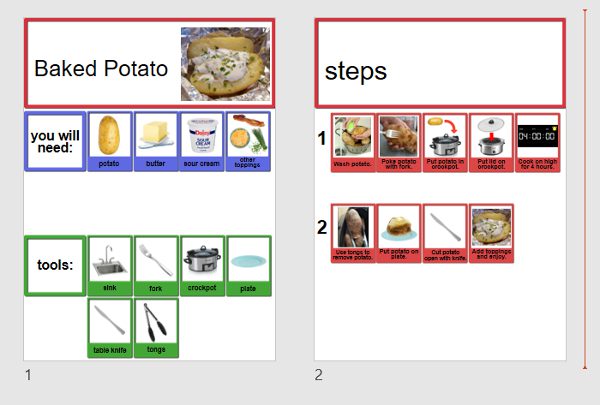
10. If you’d like to share the recipe to the Accessible Chef site, email the .pptx file to anna.moyer@gmail.com.
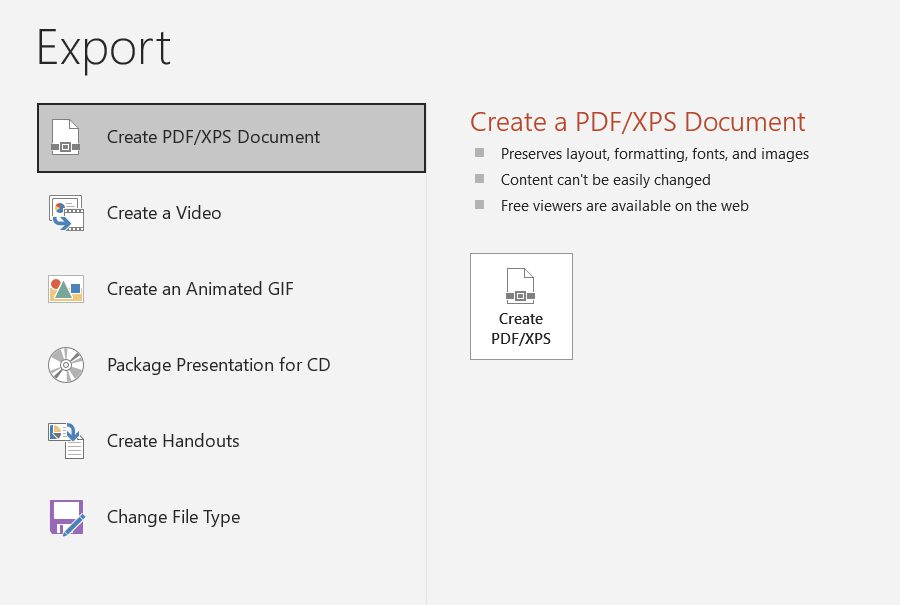
11. Save the recipe to a PDF file using export.