
I’m so grateful to those of you who have shared custom recipes made with the recipe creator – more than half of the recipes on Accessible Chef have been created by users like you!
Today, I’m sharing some best practices for submitting recipes using the recipe creator. These guidelines help to keep the visual recipe format consistent and allow me to share your recipes to the site more quickly!
1. Put a picture of the finished product in the large red box


2. Include the amount (cups, grams, boxes, number, etc.) of each ingredient in the blue ingredients section. Use enough detail for someone else to be able to follow your recipe.


3. Delete unused ingredients, tools, and step boxes.


4. Place text inside the boxes – not below. If text doesn’t fit inside the box, swap it out for a larger box or split the direction into multiple boxes.


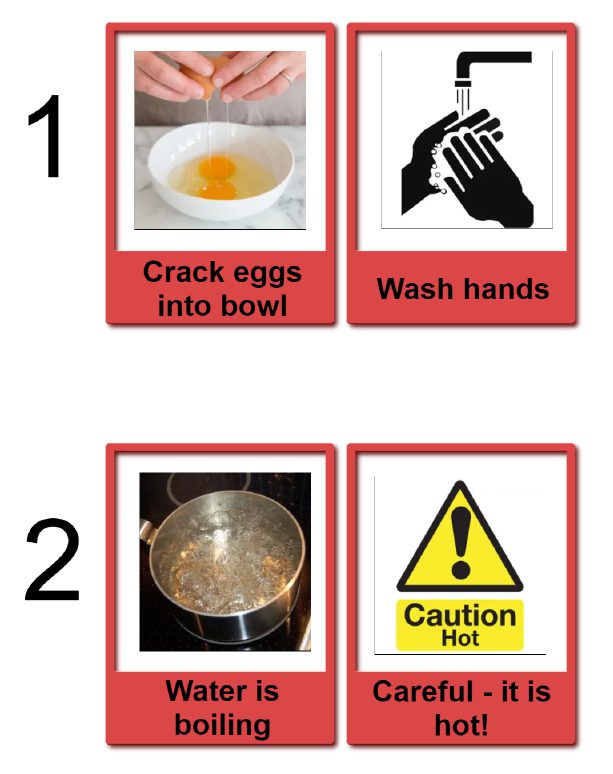
5. Identify kitchen hazards, such as hot objects, sharp knives, or exposure to raw meat and eggs.

6. Use the form below the recipe creator to submit recipes – this will allow me to review your recipes before sharing on the site.

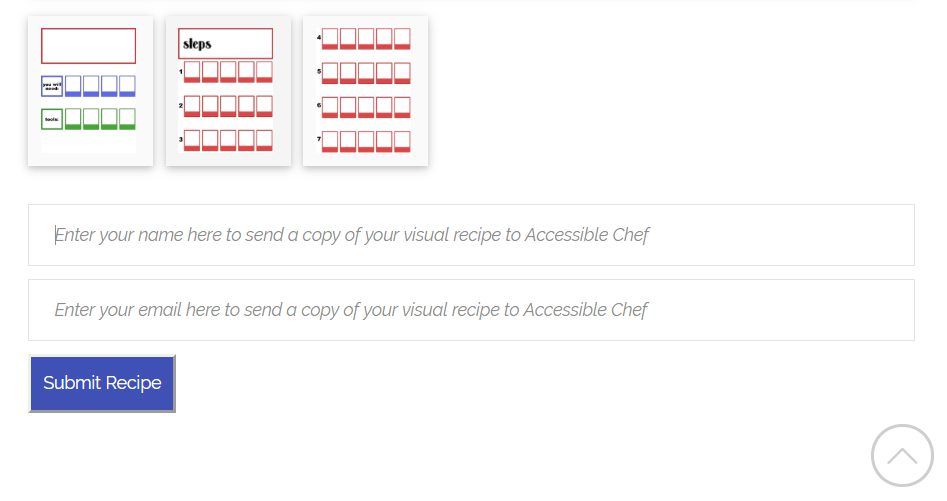
If you have any questions, check out the recipe creator tutorial and video tutorial.